
How eBay Can Boost Your Amazon Sales

In this article 5 sections
Can eBay Actually Help You Sell More on Amazon?
Absolutely, but many sellers forget this and focus on Amazon.
Rightly so. They know that in a fight between selling on Amazon vs. eBay, Amazon smashes eBay, but that doesn’t mean eBay should be ignored.
And because of old Amazon policies, eBay can actually help you sell more…on Amazon.
Here’s How eBay Can Increase Your Amazon Sales
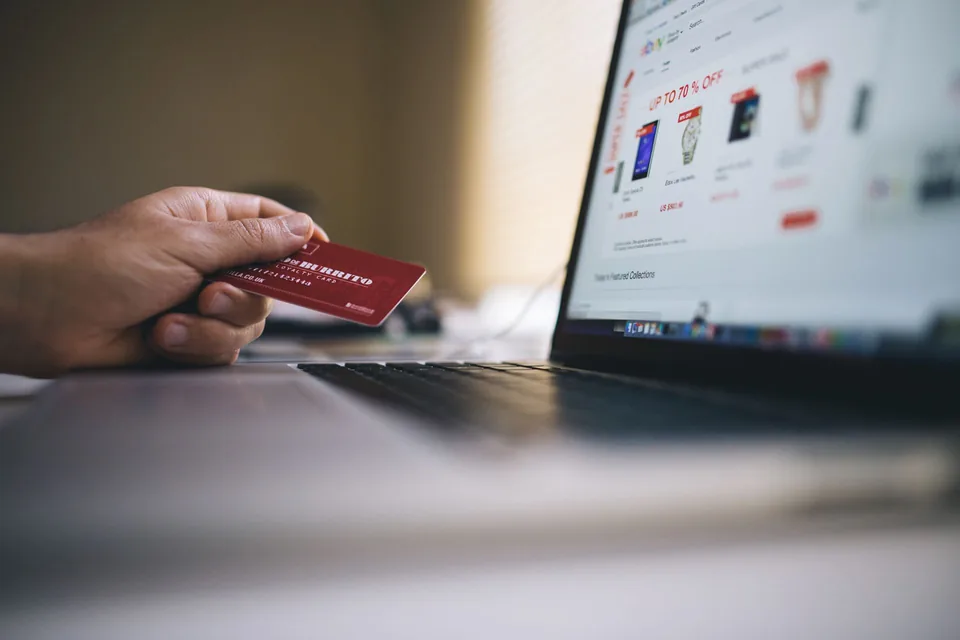
First, remember that eBay allows HTML in the listings you create. So, you can include pictures right in the middle of your eBay listing and much more.
This is a huge advantage because you’re able to include paragraph breaks, headers, bolded text, images, and video, yes, video.
And it’s the key to increasing your sales on eBay and Amazon.
To Be Clear, This Is Not Linking from Your eBay Listing to Amazon
That would be against eBay’s terms. You’re not trying to divert traffic from eBay.
So How Does It Work?
Shoppers like to shop around for the best deal. They may already be on eBay, or may check out eBay to see if they can find your item for less.
This is usually not the case, because if you do like we recommend and use Fulfillment by Amazon, you’re able to offer free, 2-day shipping to your customers.
eBay can’t compete with this. Your listing either needs to charge for shipping, offer free shipping at a higher price, or simply absorb the shipping cost. None of those are ideal.
Many customers will see that a listing on eBay charges for shipping and will hop over to Amazon to see if there’s a better deal.
The key to driving sales, however, is the one advantage eBay listings have had over Amazon listings.
Third-party sellers on Amazon were allowed only text in their listing descriptions. That was it.
eBay allows text, formatting, pictures, and video.
Because their listings are so much more seller-friendly and customer-friendly, customers can read the description more easily and watch a video about the product (at the time, Amazon didn’t let third-party sellers upload videos).
An eBay listing is the perfect place to really let your product shine, but since there’s no fulfillment by eBay, and poor shipping options compared to Amazon, your listing can help make the sale once shoppers go to Amazon for the better shipping/deal.
Now, it’d be great if they bought your item through eBay; we’re all for multiple sources of income. However, the fact of the matter is that more sales come through Amazon, but a really well-done listing on eBay just might help that customer make the decision to buy.
But Adding a YouTube Video to eBay Doesn’t Work, Right?
In the past, you could add a YouTube video you’ve created to showcase your product, but eBay announced that in 2017 it would put a stop to that. Not because they don’t want videos, but because they don’t like the HTML code used.
Here’s eBay’s explanation of what they do want in an eBay listing with video.
eBay wants the latest standard called HTML5.
It’s really not hard to implement. On your eBay listing, choose the HTML tab when editing and add the following code:
<video width="320" height="240" controls>
<source src="movie.mp4" type="video/mp4">
</video>
It works now, and it will work into the future on eBay. You can also make your video autoplay by typing autoplay after controls.
However, I hate autoplaying videos, so for the love of all things, don’t do it. You can also add poster="http://yoursite.com/image.jpg", and that will create a custom thumbnail placeholder for the video that will display before the video is played.
The only catch is that where the code says “movie.mp4,” you need to put the link to your video.
A YouTube video won’t work there. eBay is working with the major video sites for an HTML5 solution, but in the meantime, all you need to do is upload your video somewhere on the web where you can get the link to it.
Ideally, this would be from your own website.
Remember, when creating a video or uploading pictures to your eBay listing, they don’t want you saying, “Hey, visit our website to buy.” They want customers to check out on eBay, which makes sense, so give them the opportunity to do so. If the potential customer decides to check around (Amazon), that’s their choice and totally fair.
Update: Hold the Phone
So Amazon just made one of the biggest changes to their listings for third-party sellers. It’s called Enhanced Brand Content (now A+ Content), and if you are the brand manager for your items (it’s your brand, and you’ve been added to the Brand Registry), you can now add images and formatting to your Amazon listings.
Still no product videos on Amazon, and you’re limited to the templates Amazon provides, but this is huuuuge.
eBay still can be used to display video, which can help, but the playing field just got a little more level for third-party sellers on Amazon who’ve wanted this feature forever.
Keep reading
-
 Amazon Sales Dropped Like a Rock? Learn What to Do About It
Just think: sitting at home or at a small business office, your products can be shipped to customers all over the world. With FBA, you can have your orders shipped out…
Amazon Sales Dropped Like a Rock? Learn What to Do About It
Just think: sitting at home or at a small business office, your products can be shipped to customers all over the world. With FBA, you can have your orders shipped out…
-
 Everything You Need to Know for Ultimate Success Selling on Amazon
Successful selling on Amazon doesn’t have to be complicated. It’s the most important thing you can do for both short-term and long-term success selling on Amazon. You…
Everything You Need to Know for Ultimate Success Selling on Amazon
Successful selling on Amazon doesn’t have to be complicated. It’s the most important thing you can do for both short-term and long-term success selling on Amazon. You…
-
 Amazon vs eBay: 7 Reasons Why One Will Make You More Money Than the Other
Because one of these can make you a ton more than the other. Wouldn’t it be best to sell in every marketplace? If you have limited time, are you sure you want to learn…
Amazon vs eBay: 7 Reasons Why One Will Make You More Money Than the Other
Because one of these can make you a ton more than the other. Wouldn’t it be best to sell in every marketplace? If you have limited time, are you sure you want to learn…